Know where your money goes.
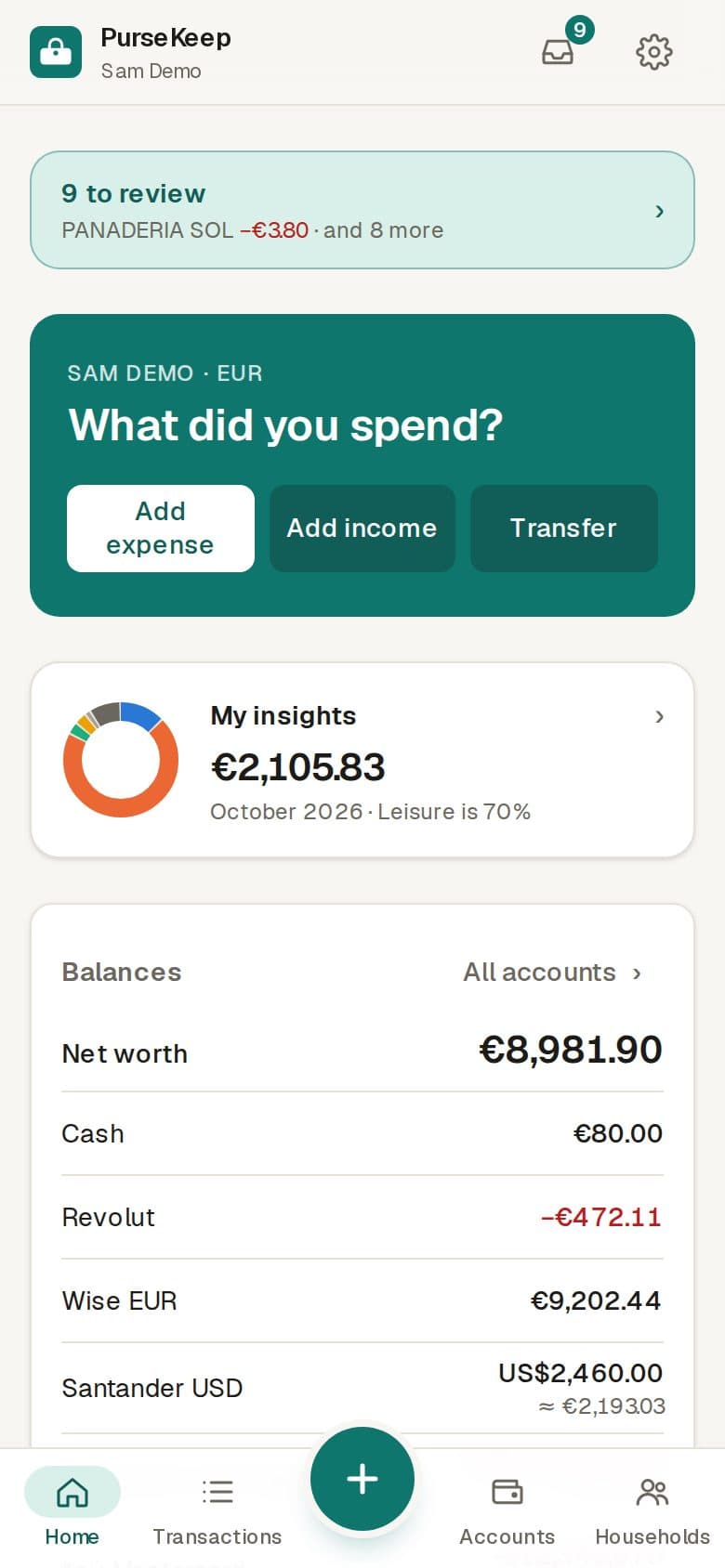
Without the spreadsheet. PurseKeep picks up your card payments, sorts them, and shows you the whole picture — in every currency, on your own or with the people you share costs with.
Automatic
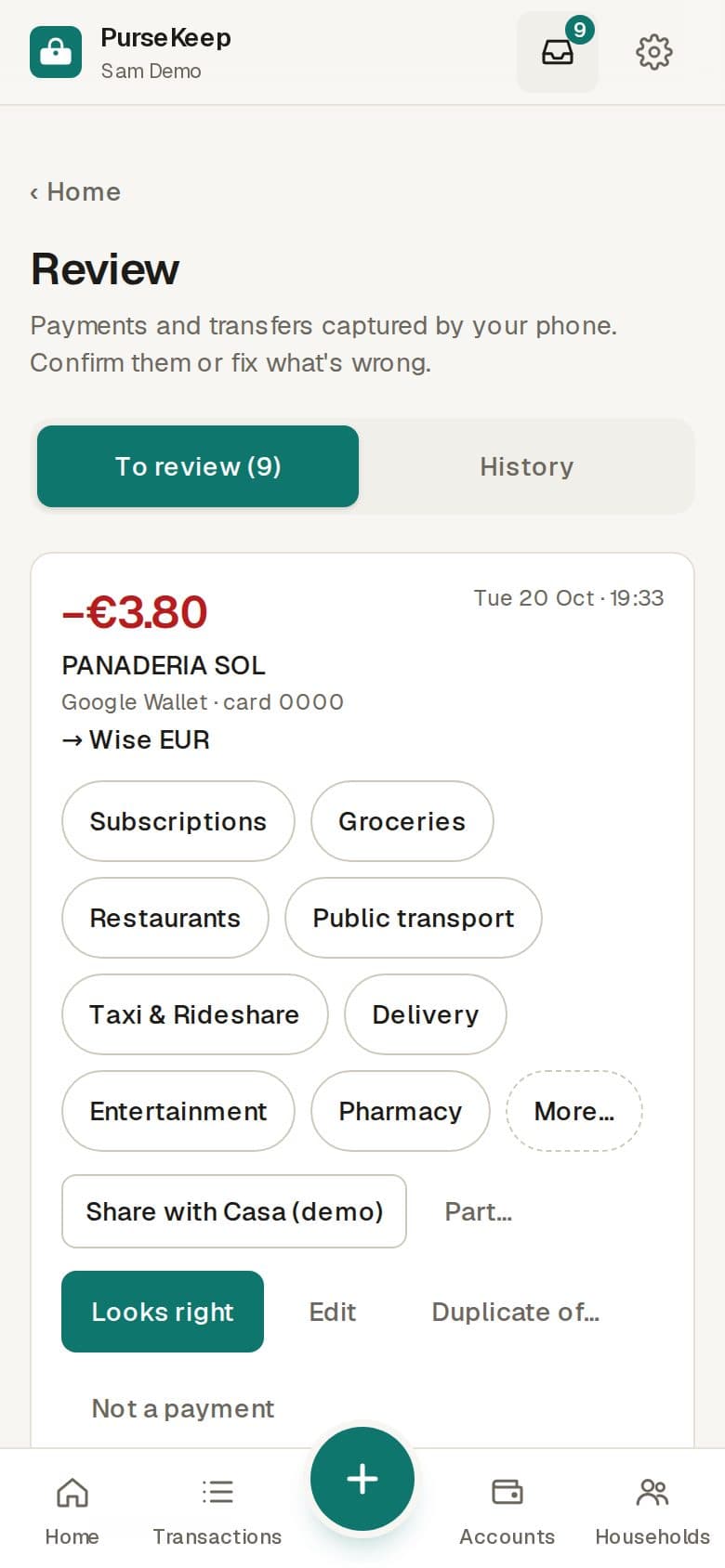
Payments that write themselves down.
Pay as usual. The Android app turns your bank's notifications into expenses, and you check them in one tap in Review.
Insights
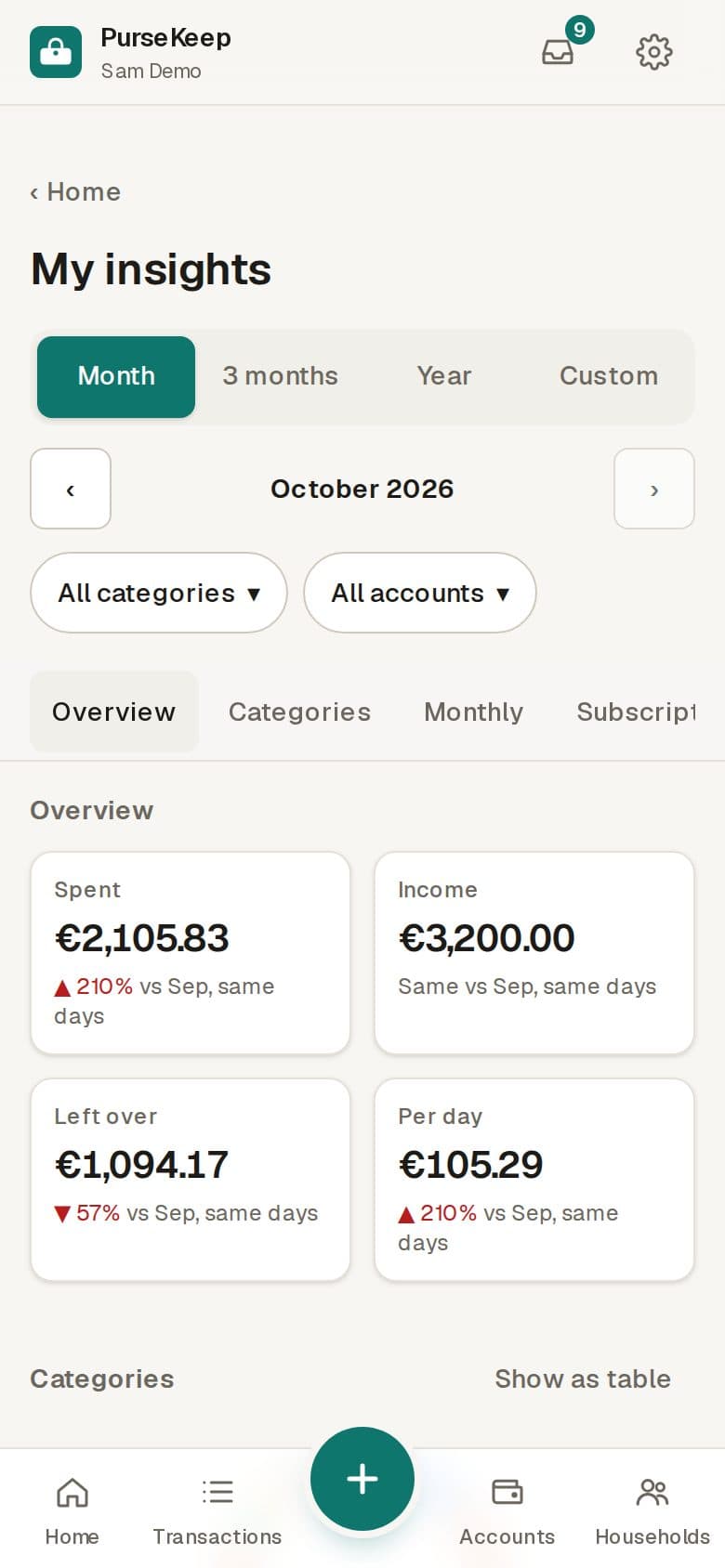
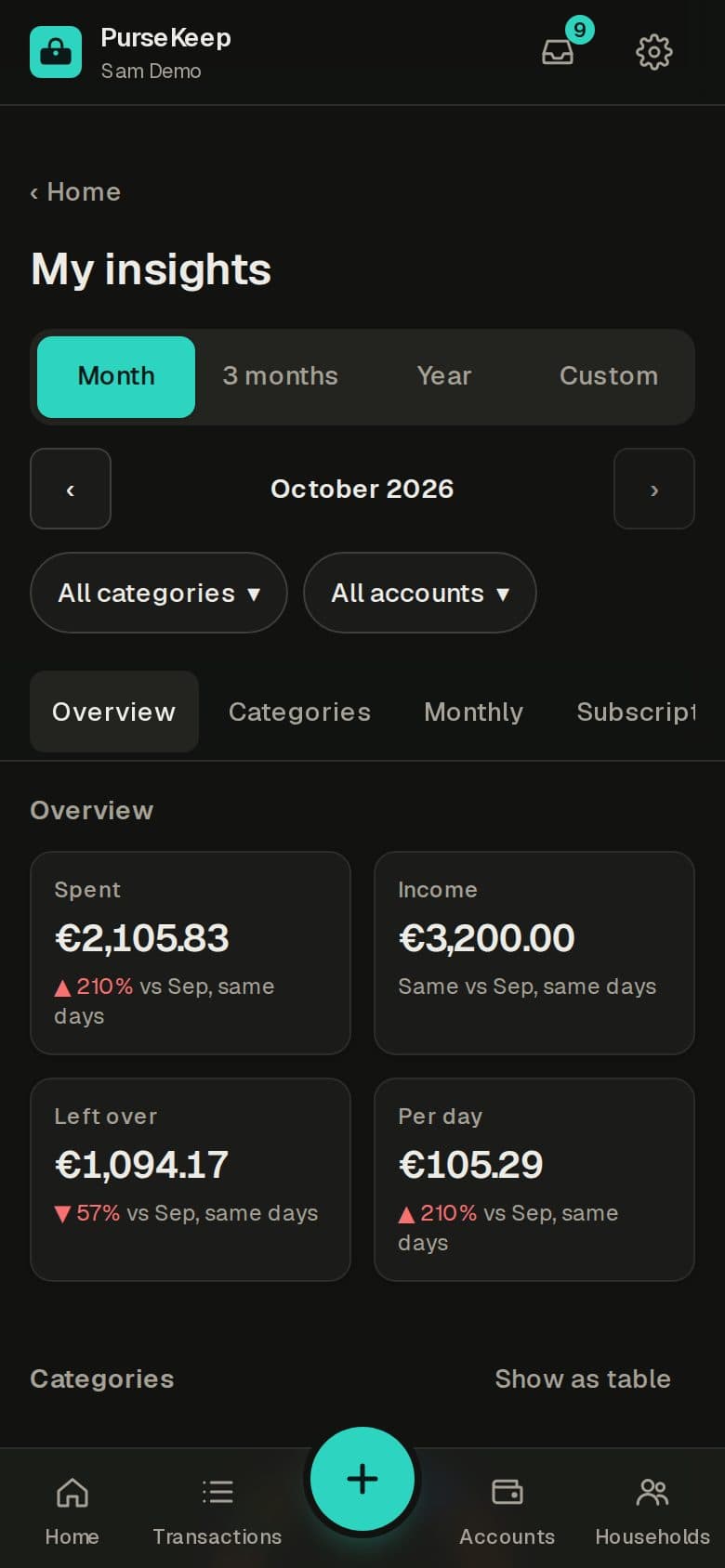
See the whole month at a glance.
Where the money went, by category, against last month — and every number opens the payments behind it.
Subscriptions
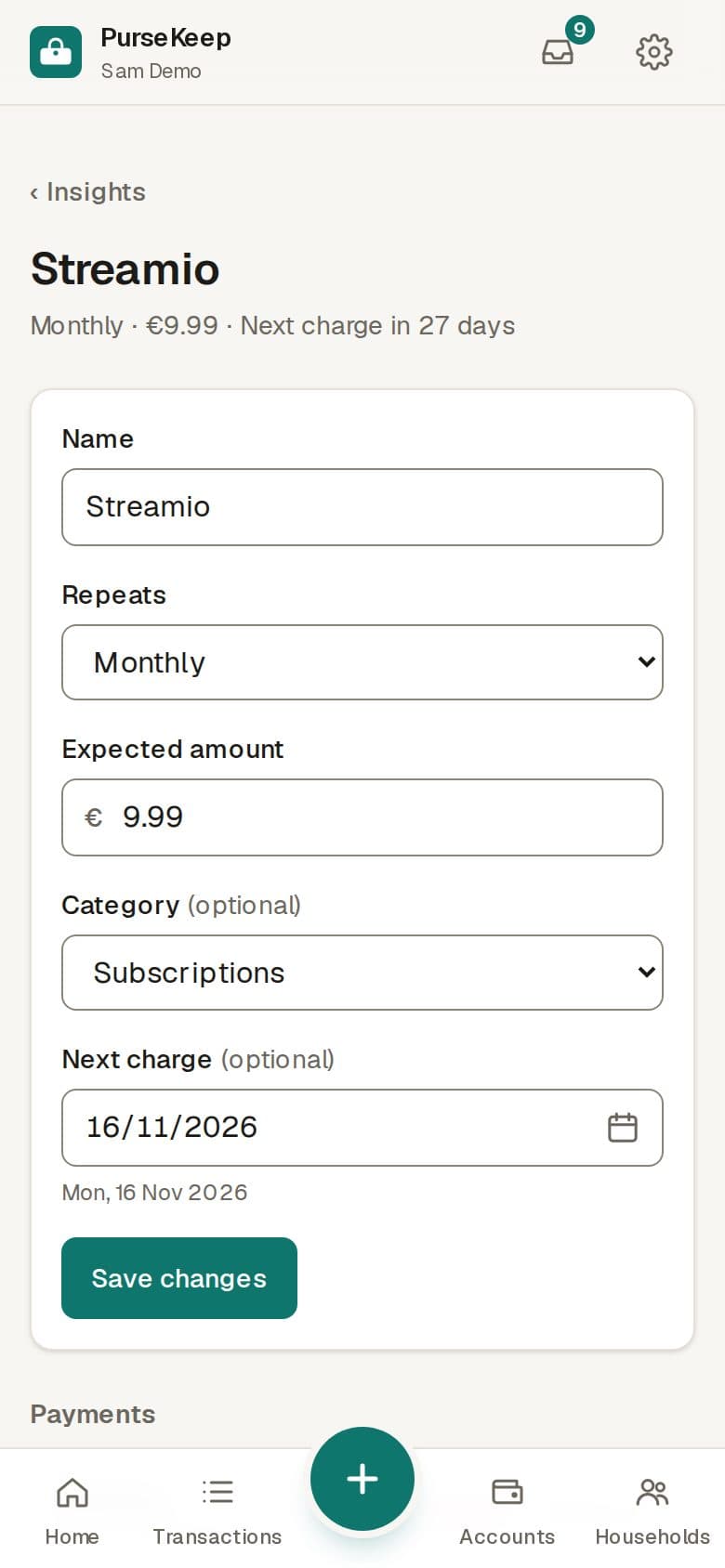
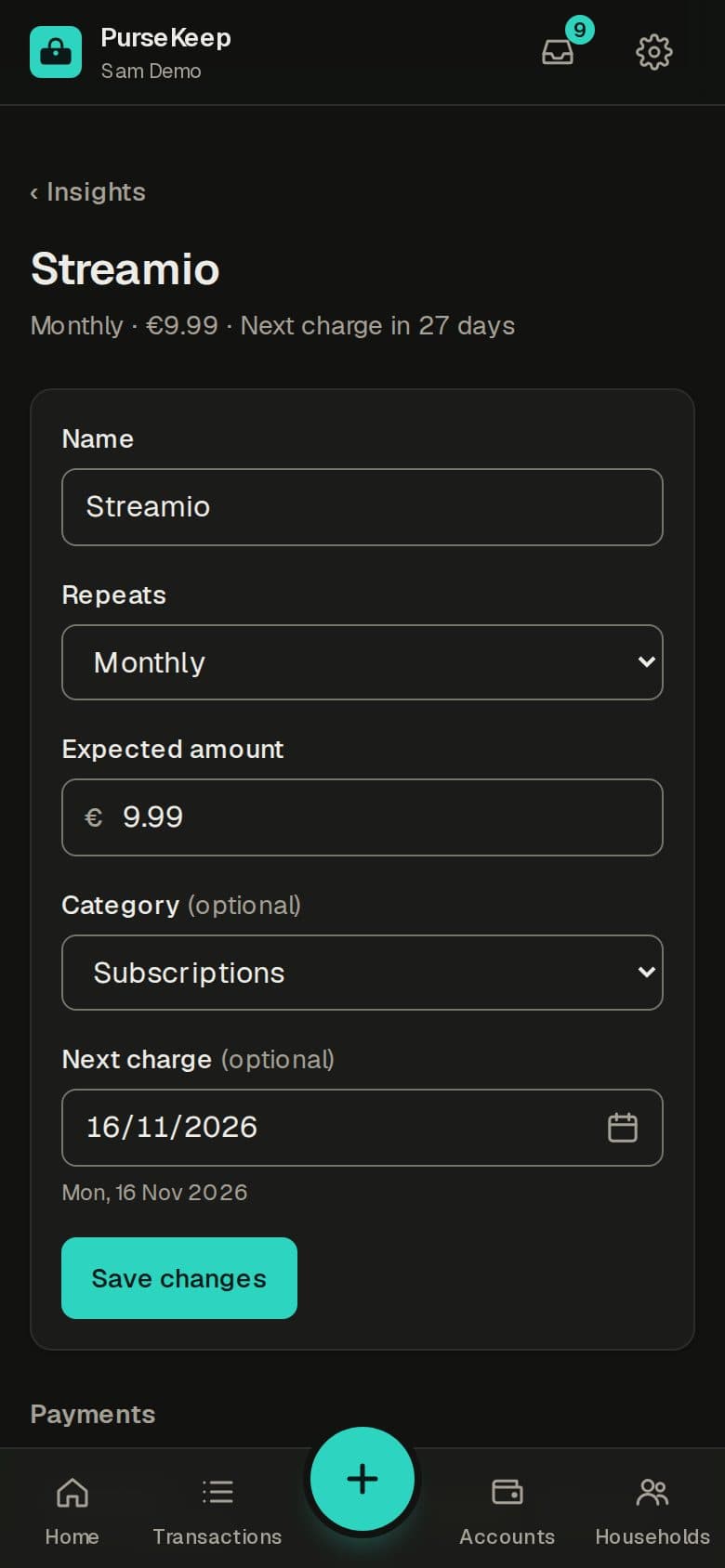
The charges that repeat, spotted.
See every subscription, when it charges next, and the one that quietly stopped.
Budgets
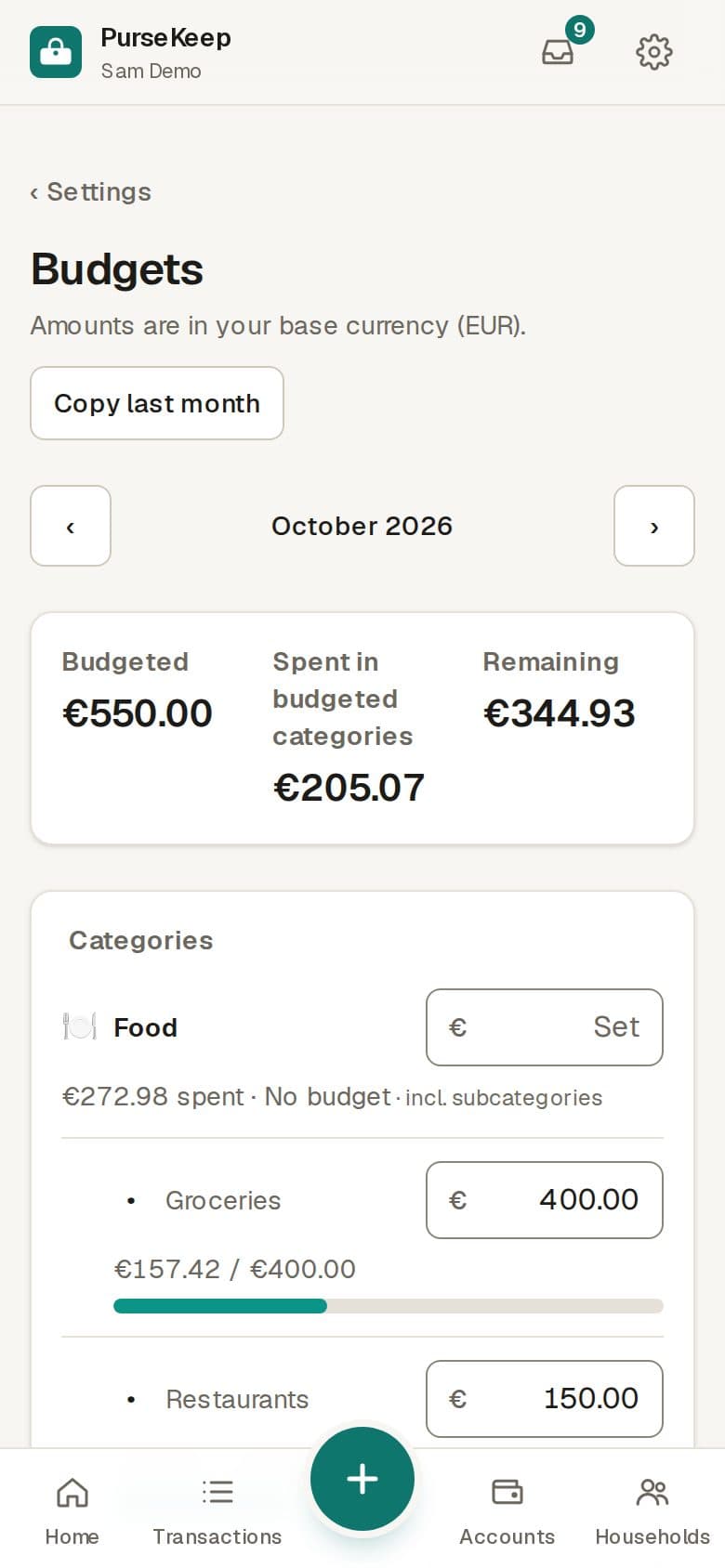
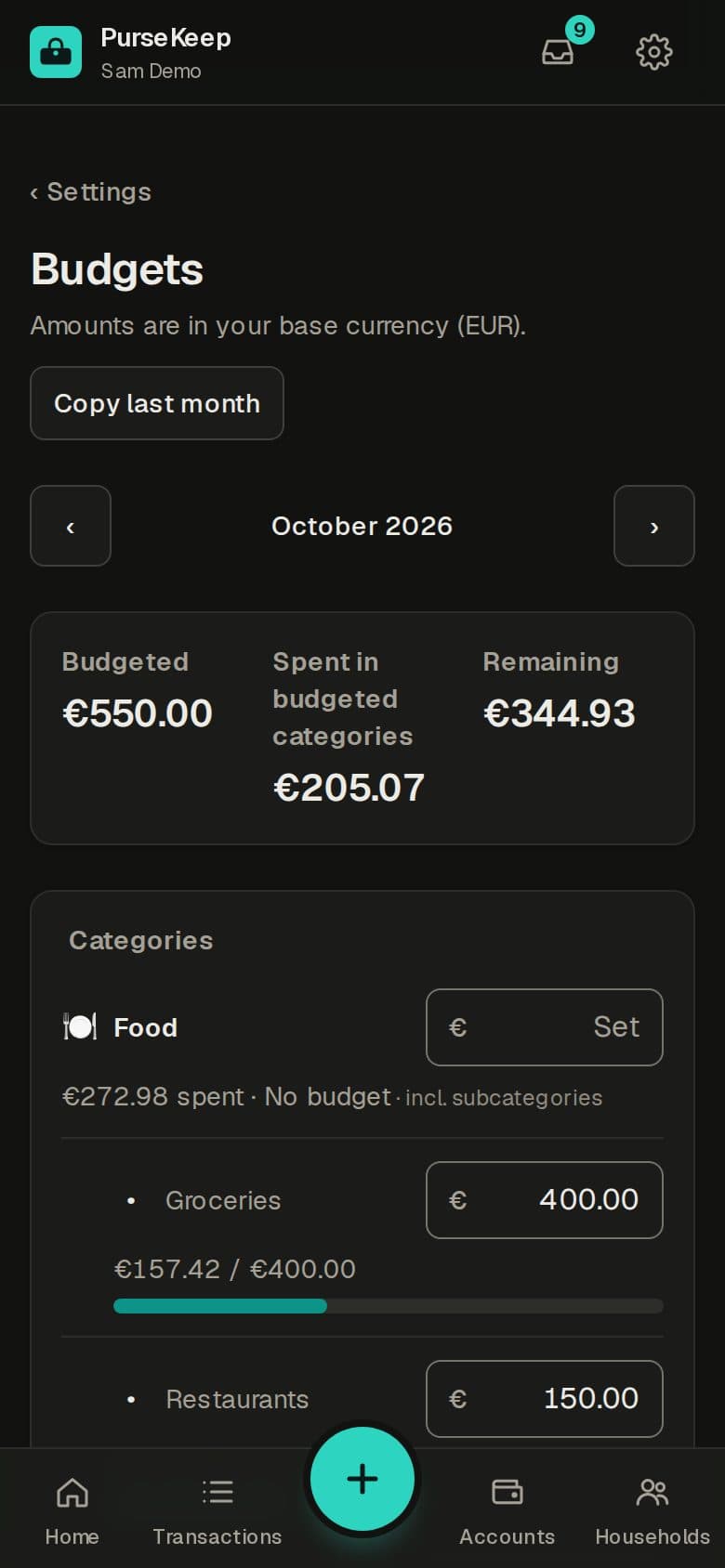
A limit for each category.
Set a monthly amount, see what's left, copy last month's in one tap.
Sharing
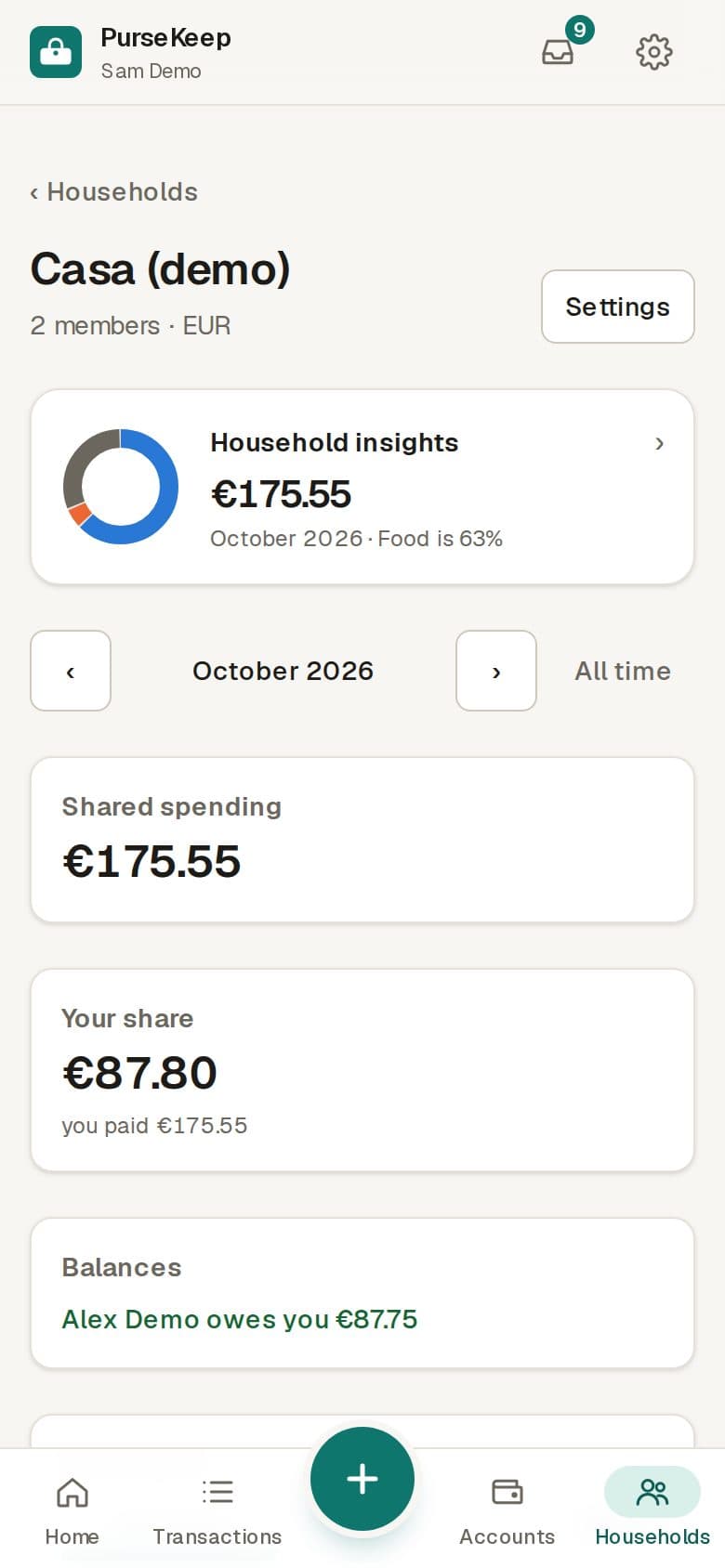
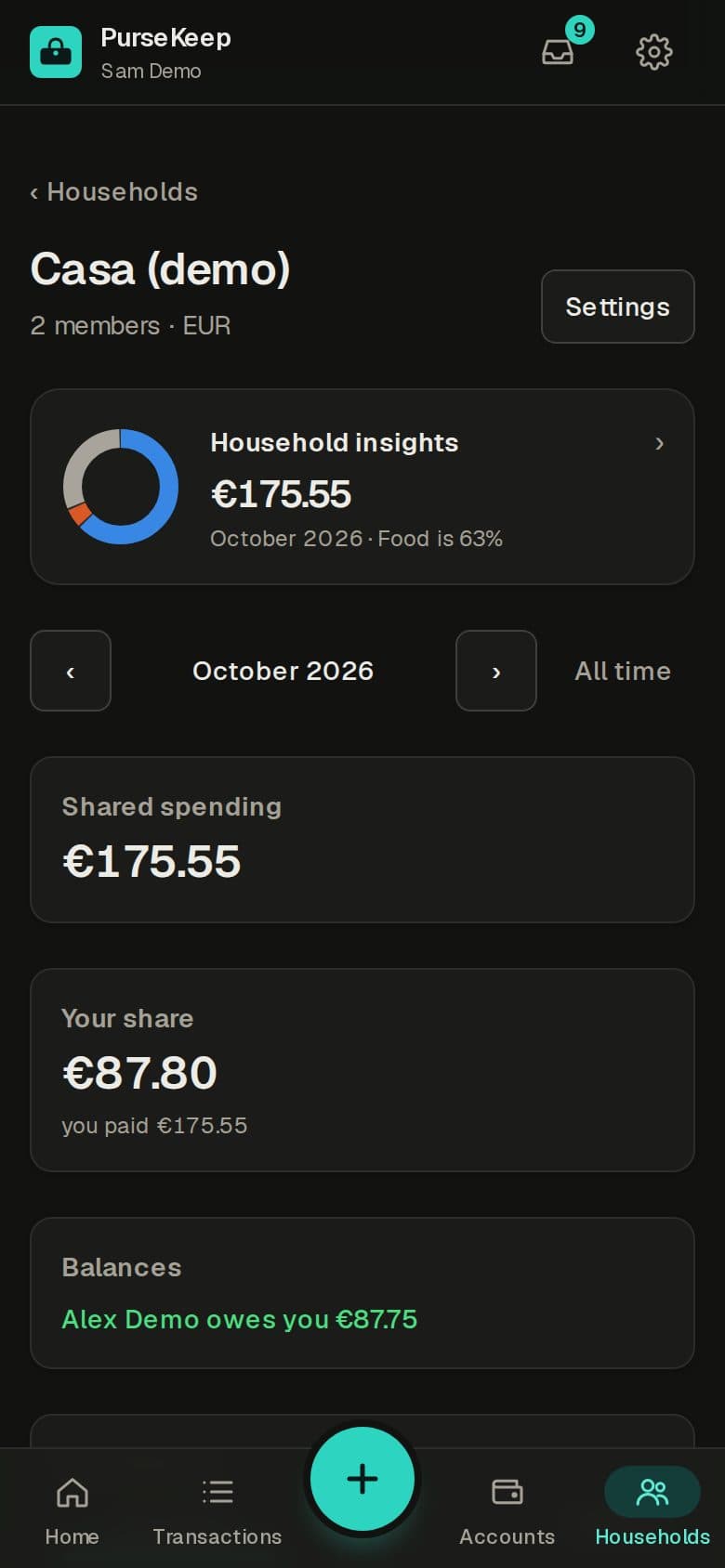
Share costs, fairly.
Share a payment — or just your group's part of it — and PurseKeep keeps the split and who owes whom. Your own ledger stays yours.
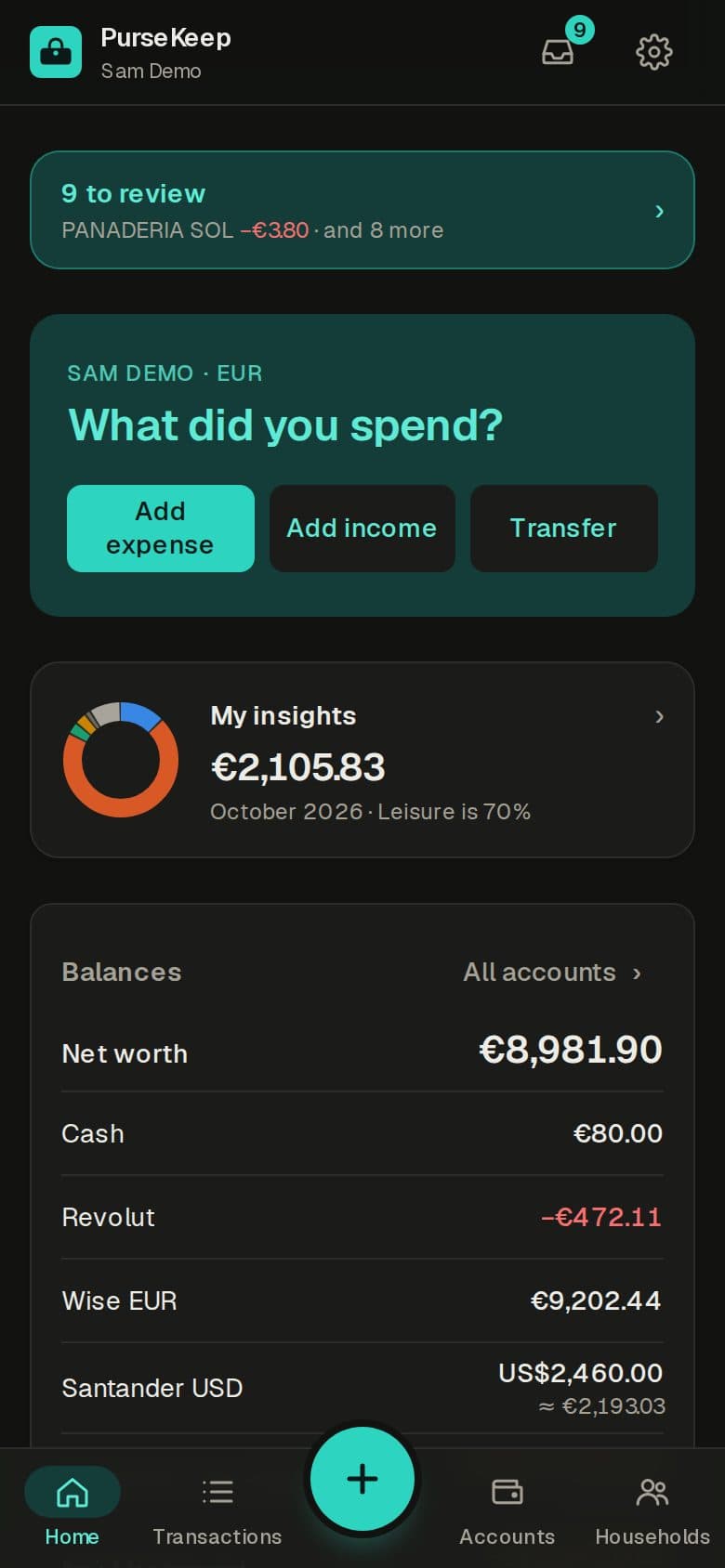
The app, screen by screen.
Home
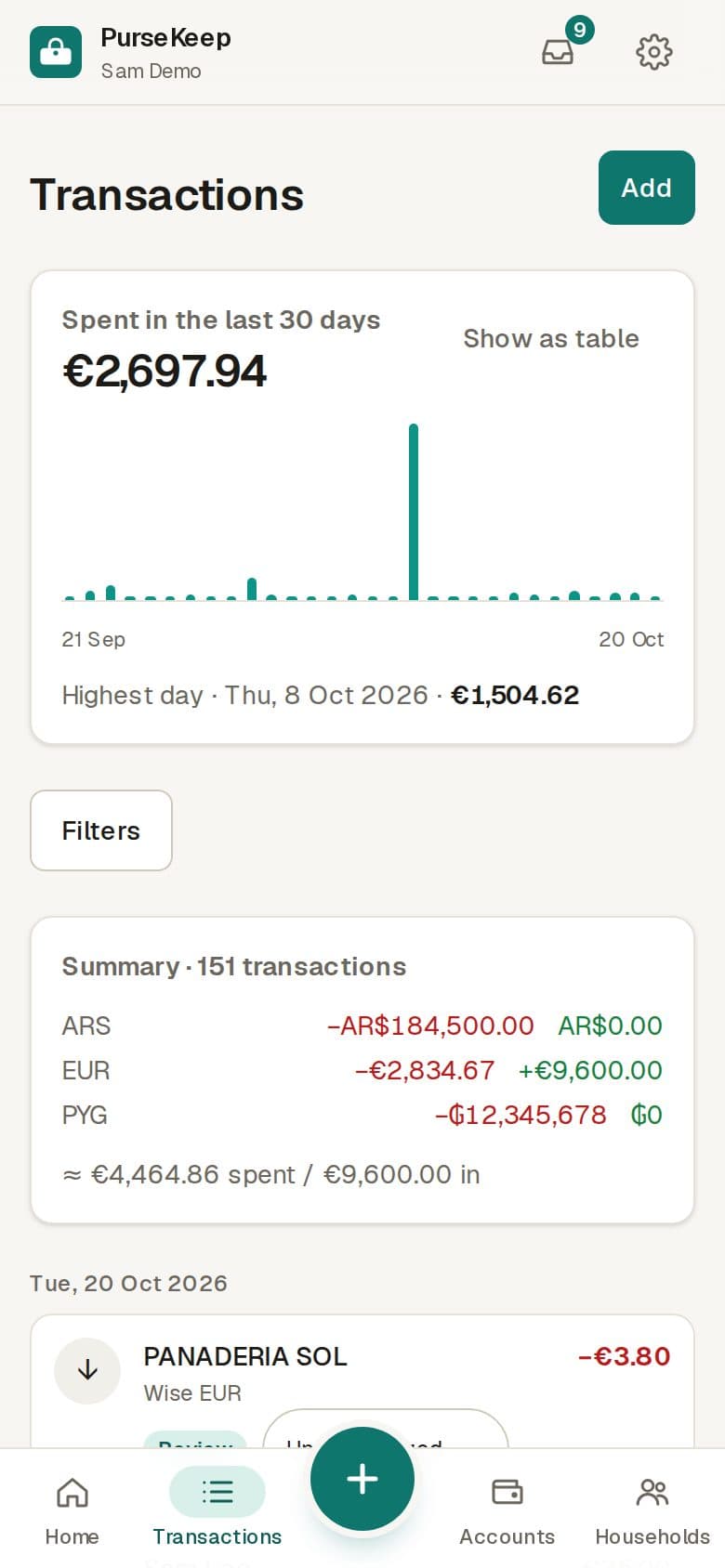
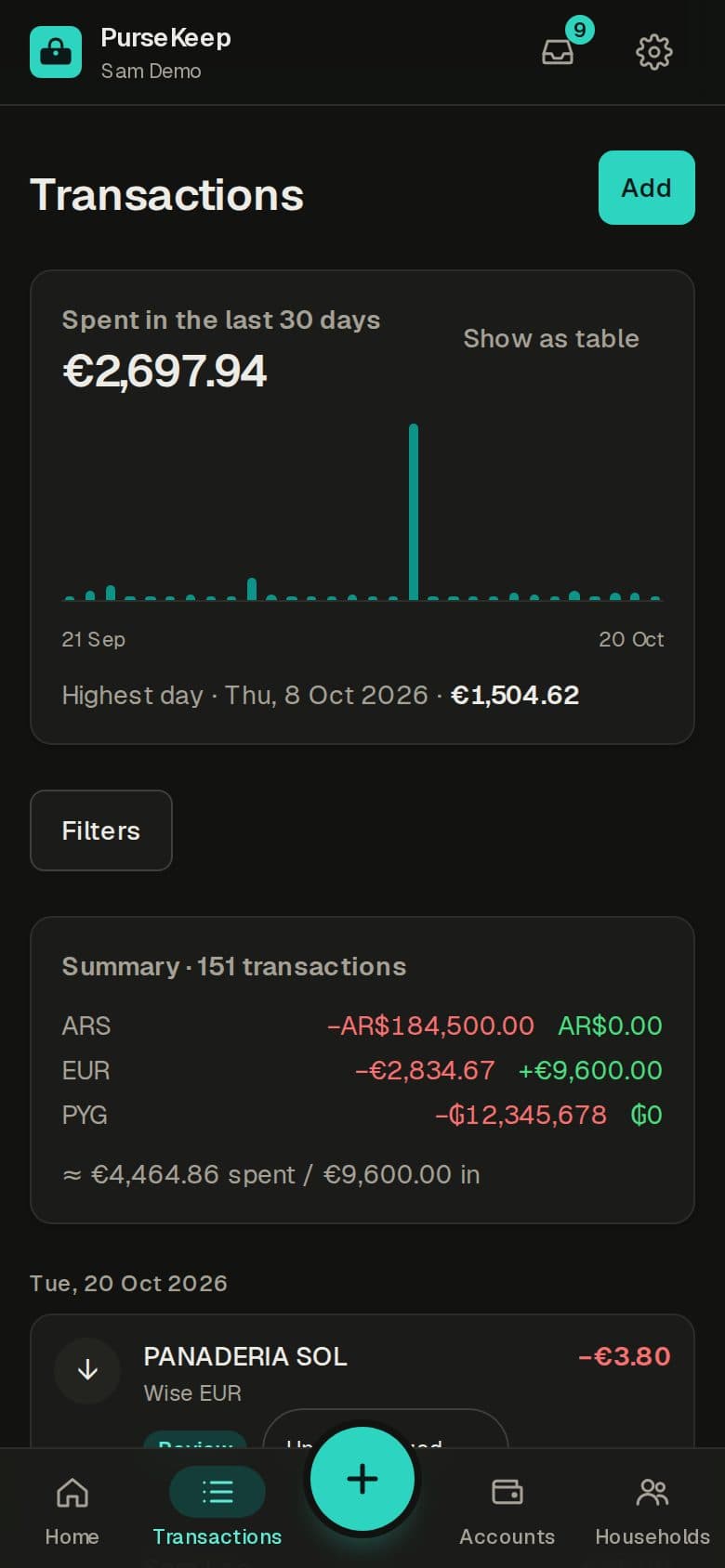
Transactions
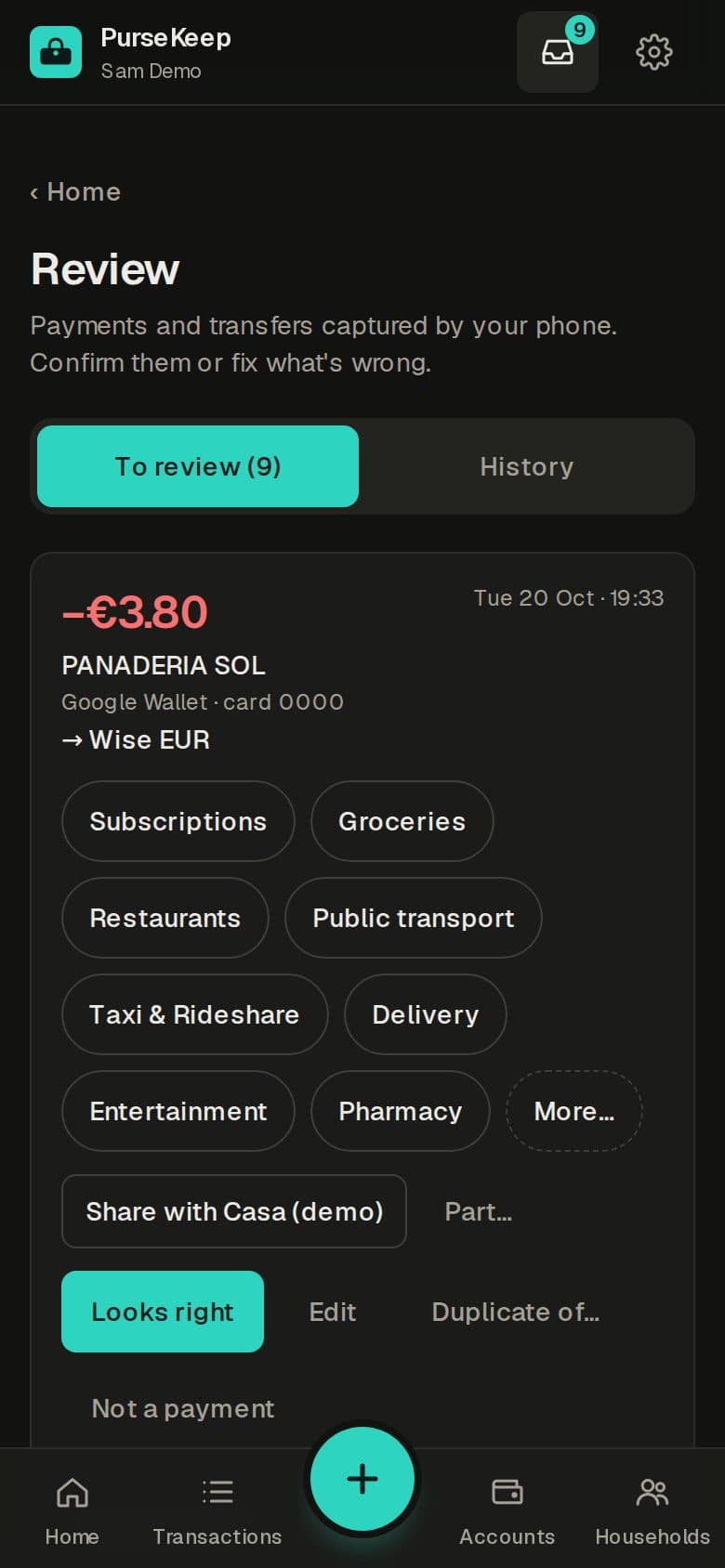
Review
Insights
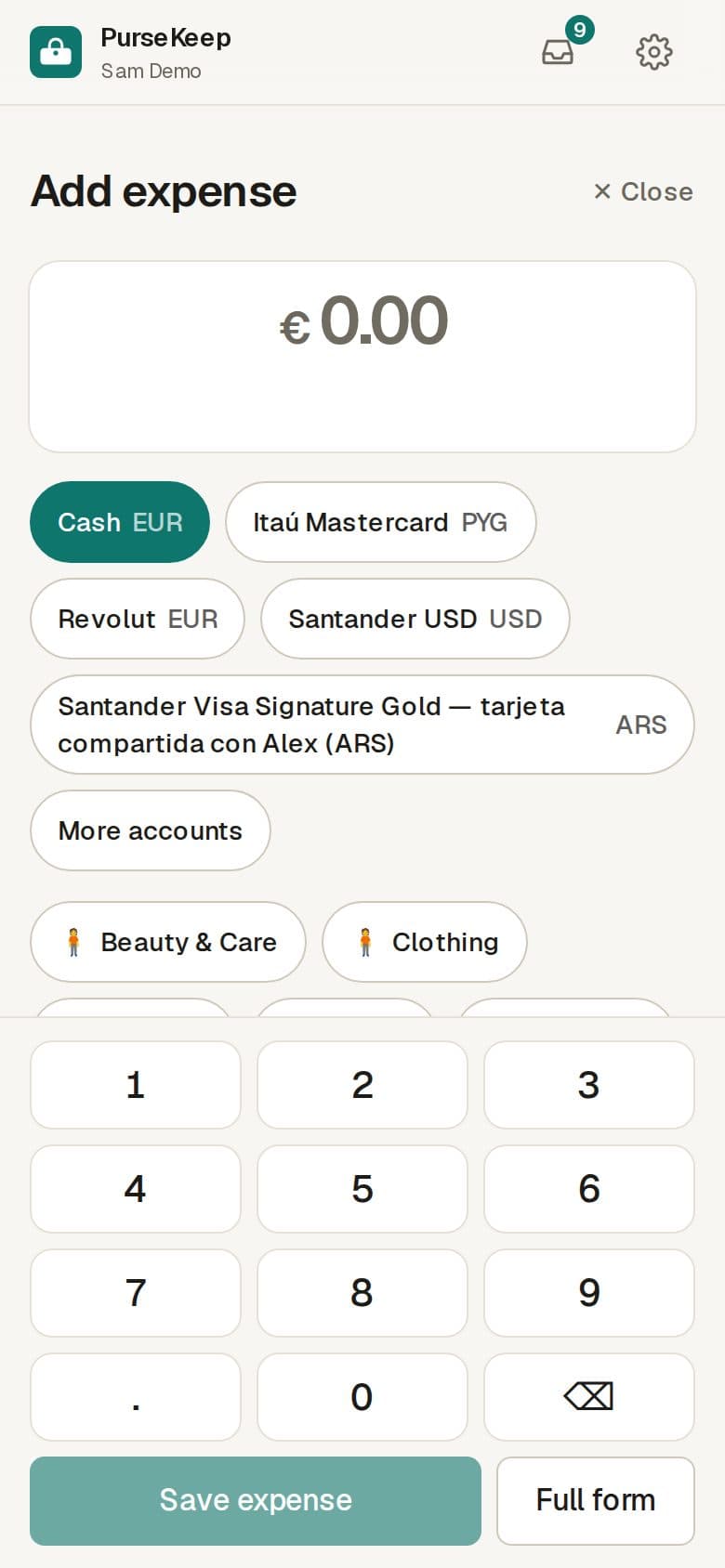
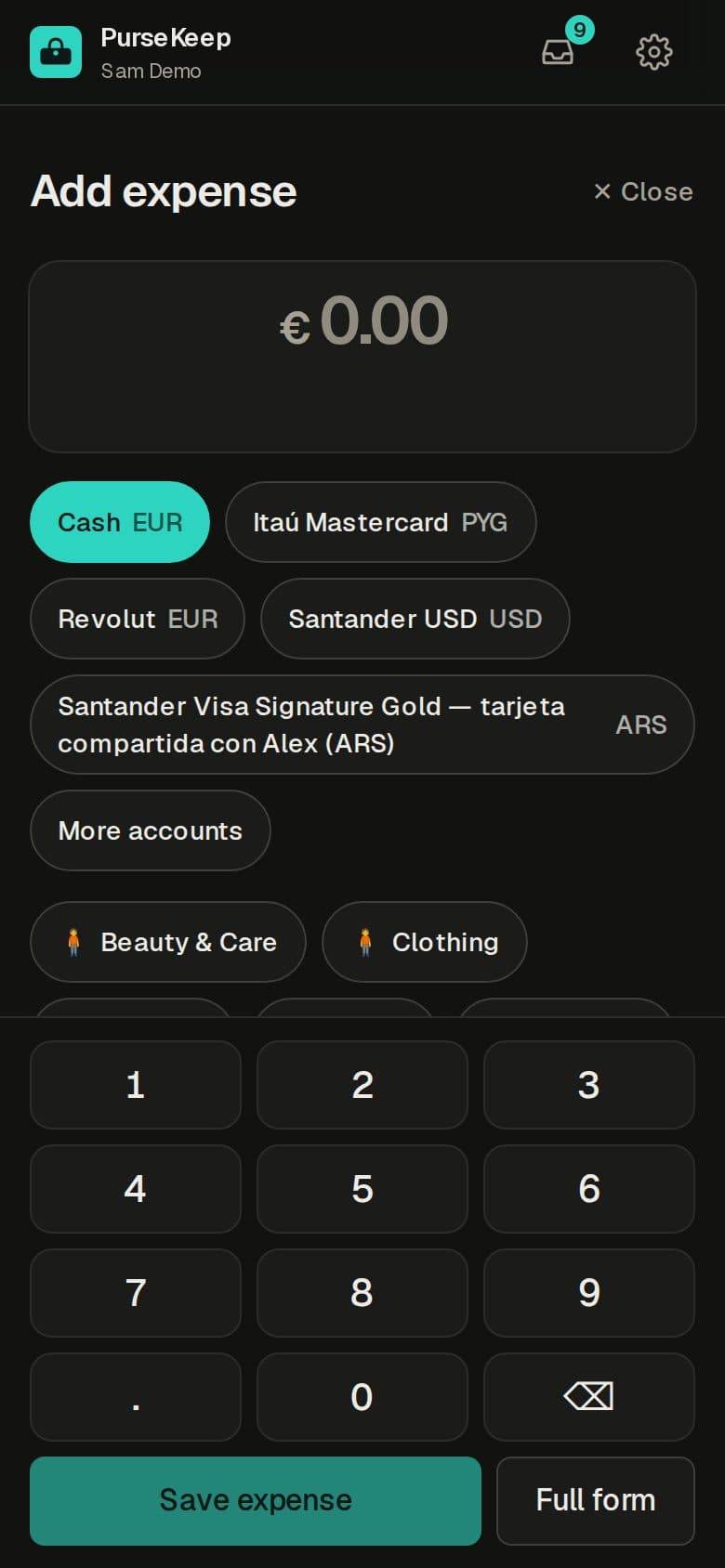
Quick add
A group
On your phone
The Android app.
Catches payments from your banking apps' notifications, opens PurseKeep in one tap and can lock with your phone's own unlock. It comes with your invite. On iPhone, PurseKeep works in the browser; automatic capture is Android only for now.
Privacy
Your money data stays yours.
- No ads. Your data is never sold or shared.
- Stored in the EU (Frankfurt).
- The phone app only reads notifications from the banking apps you pick.
- Shared payments show your group only the amount you share.
Questions
FAQ
Which banks does it work with?
Automatic capture reads notifications from banking apps on Android — Revolut and Wise work out of the box, and you can teach it others. You can always add payments by hand or import past statements.
Does it work on iPhone?
Yes, in the browser. Automatic capture needs the Android app for now.
Which currencies and languages?
Accounts in euros, US dollars, Argentine pesos and guaraníes, converted at each day's rate. English and Spanish.
How do I get an invite?
Ask for one below, or ask someone who already uses PurseKeep.
Early access
Request an invite.
Tell us who you are; we'll send you a link to create your account.